See it running
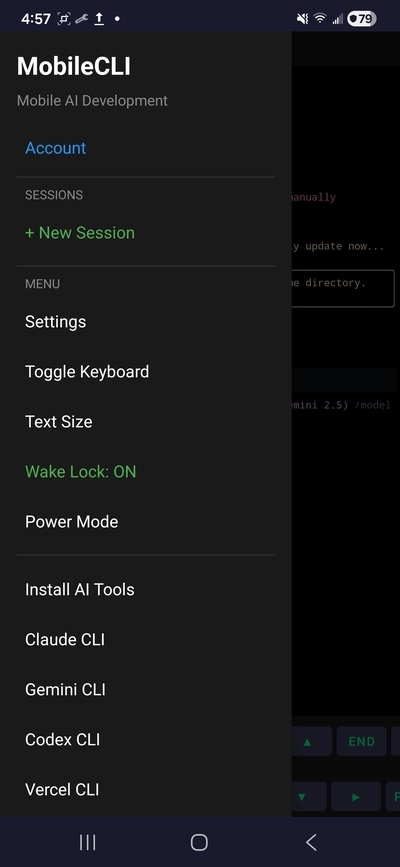
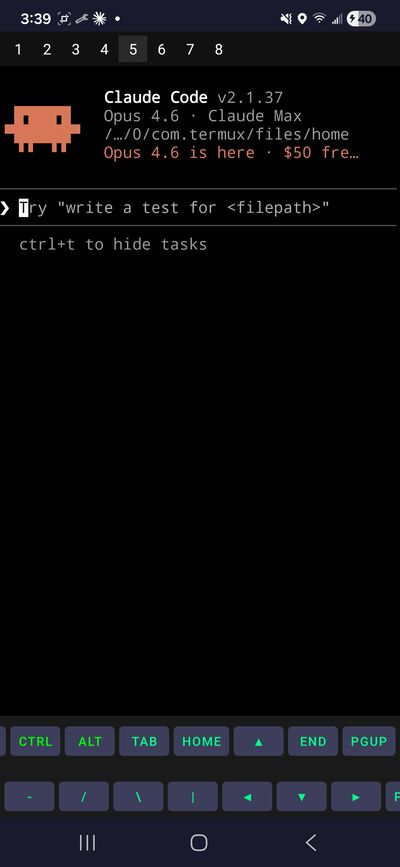
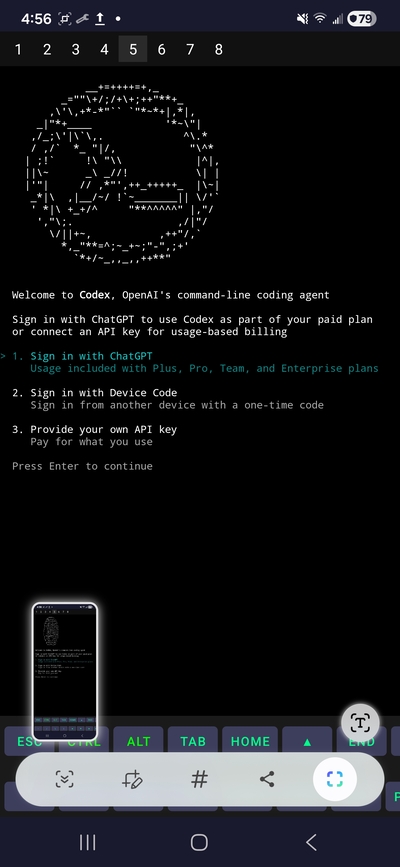
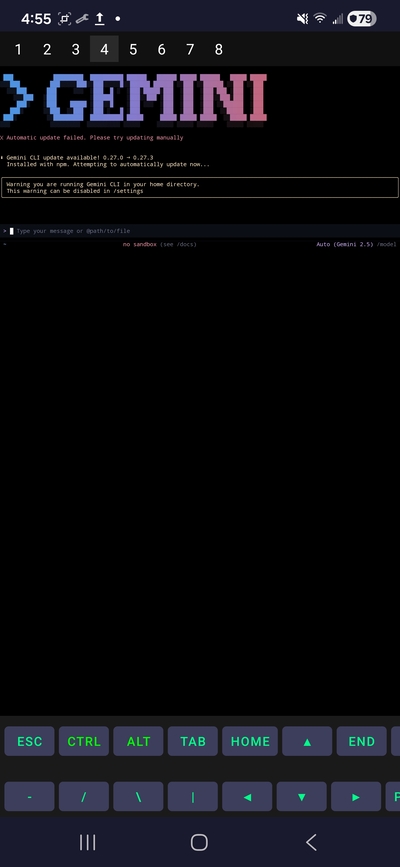
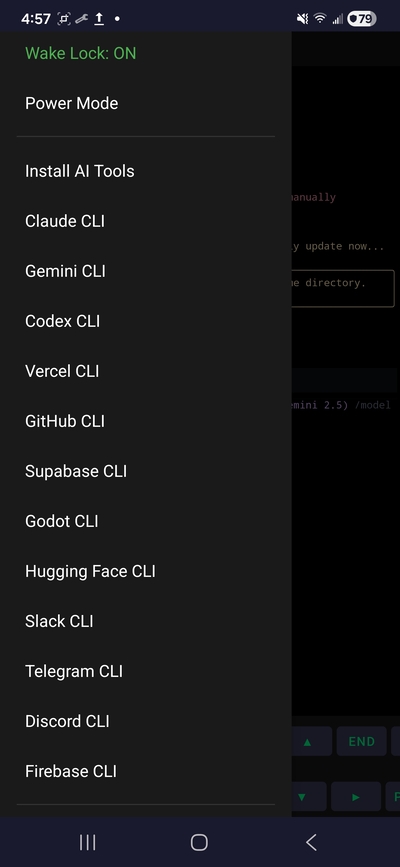
Real screenshots from MobileCLI on-device. AI drawer, Claude Code sessions, hardware tools, developer stack.
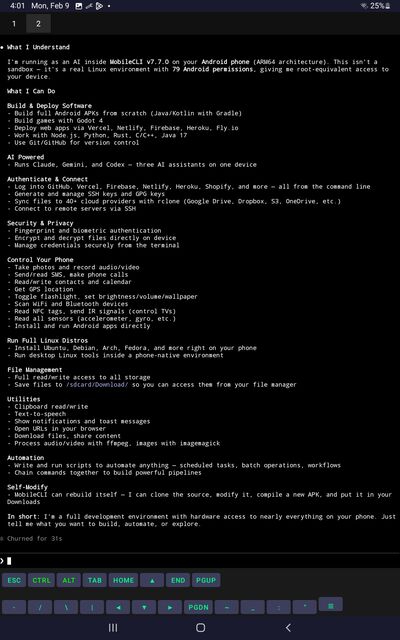
bash, python, node, git, ssh, curl, sqlite — hundreds of packages, all running locally on your phone. No cloud shell. No remote desktop. Your device, your terminal.
A full ARM64 Linux userland on Android — not a remote shell, not a web IDE, not an SSH client to someone else's box.
Packages install to your phone. Code runs on your CPU. No account, no cloud dependency, no phone-home. Works on airplane mode once things are installed.
MobileCLI isn't a window into some other computer. It is the computer. Your Android device becomes a working dev machine.
Build your startup's MVP on the train. Fix a bug from bed. Deploy a hotfix while waiting for coffee. Run AI agents overnight. Your phone has more potential than you might think.
AI tiles (Claude, Codex, Gemini, Grok, GitHub) launch the real CLI and sign you in through each service's own subscription OAuth — never with pasted keys.
Hundreds of packages, developer tools, and native hardware access — all stitched together.
bash, zsh, tmux, vim, nano. Pipes, redirection, job control, color support. Everything behaves like a real terminal because it is one.
Install python, node, go, rust, java, gcc, make, ffmpeg, imagemagick, sqlite, postgres-client — hundreds of ARM64 packages, one command away.
Launch Claude Code, Codex, Gemini CLI, Grok, GitHub Copilot — each signs in with your own subscription. No API keys.
Pair two phones over WiFi or Tailscale. Run commands on one from the other. Distribute compute across devices you already own.
Camera, microphone, GPS, sensors, SMS, clipboard, notifications — accessible from the shell with native Android bridges.
No telemetry, no cloud sync, no remote-control pathway. We can't see what you do on your device. We don't want to.
Real screenshots from MobileCLI on-device. AI drawer, Claude Code sessions, hardware tools, developer stack.
Launching on Google Play. Join the testers list for early access.